Cue
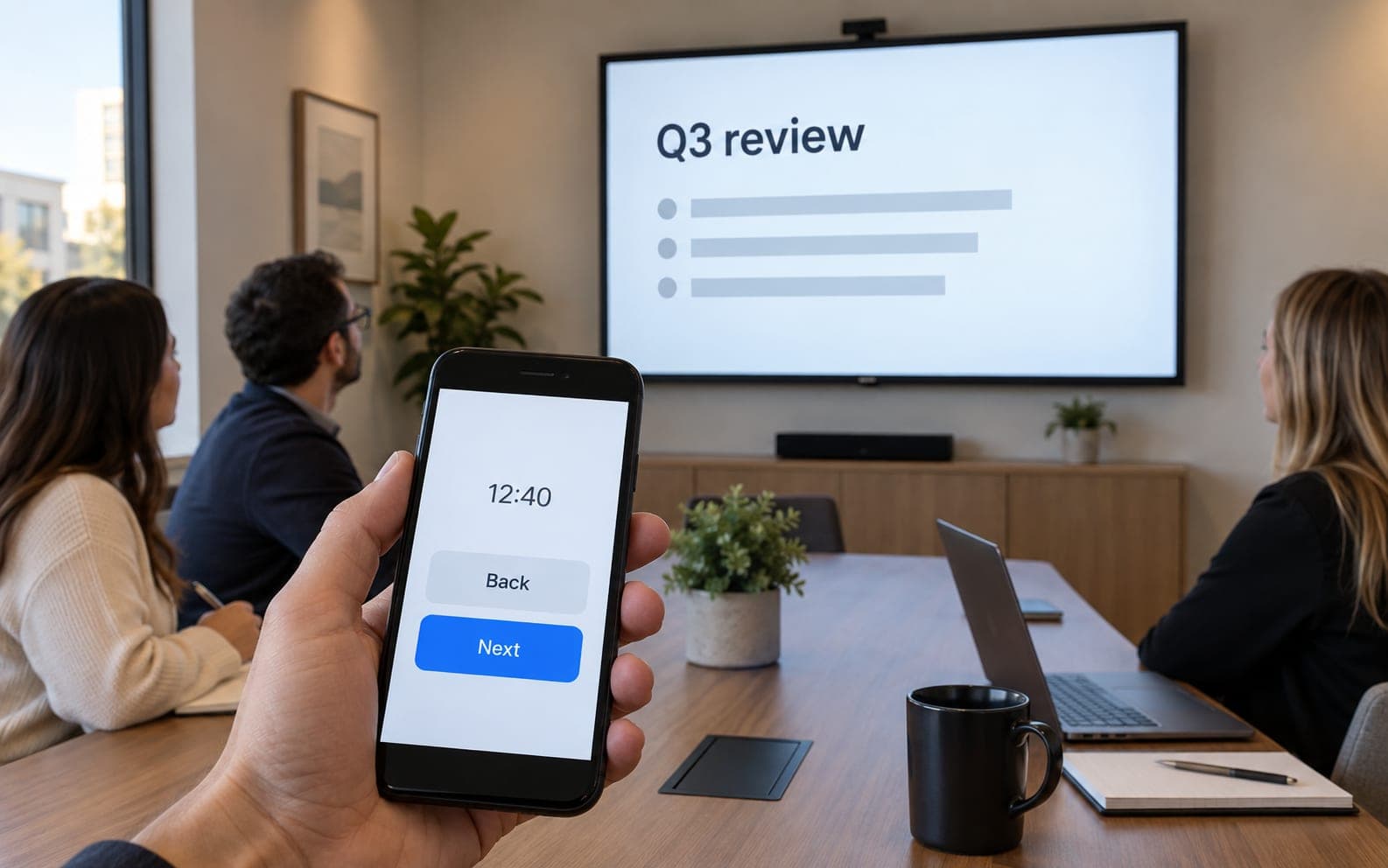
Your phone becomes the clicker for the slides on the screen.
Describe what belongs on the screen. It appears on any display, and your phone becomes the remote. Nothing to install.
Free for one screen. No card.
 works
worksSay what goes on the board and watch it get built.
Open the link on any screen: a TV, a tablet, the laptop in the corner.
Scan the code on it. Your phone is the remote, nothing installed.
Flip the soup to sold out. The wall changes in front of the room.
Anything with a browser. A TV with one built in, a Fire Stick or Chromecast, an old tablet on a stand, the laptop in the corner. Open the link and that screen is the board. Nothing to install.
No. Scan the code on the screen and your phone becomes the remote for that board: a short list of what it can change, and a box for anything it can't yet. Nothing installed on either end.
No. The screen shows the board and only the board. The controls live on phones that have been paired to it; you can see which phones those are and drop one, so a phone that leaves with somebody stops working.
No. You say what goes on the board in plain words and watch it get built. The code exists, and the curious can peek at it, but nobody ever has to touch it.
You can't, really. Every change is saved as a version, and restoring an earlier one is one click, not a rescue mission.
Yes. Connect your own Stripe account and the board can take the order, the ticket, or the booking. The money goes to your account, not through us.
Nothing, for your first screen. Every account begins with 30 free builds and no card, and one board rarely needs more. Pro starts at the next screen: $20 a month for up to 10 screens and 100 credits. The details live on the pricing page.
Say what goes on it. Put it on the screen. Done before the lunch rush.
Build your board